
62 vector shapes
Rectangles, stars, badges, seals, shields, crests, plaques, laurels, ribbons, blobs and more. Every shape scales, rotates and skews without losing quality.
LogoVisionary is a free, browser-based logo designer with shapes, fonts, icons, layered backgrounds and full colour ranges. Everything renders on your device — your files and designs never reach our servers.
Live editor — this is the real tool, not a demo. Start creating right here.
Open full-screen studioProfessional design tools without the sign-up wall, watermarks or hidden costs. Build a logo from scratch with the building blocks you already understand.
Rectangles, stars, badges, seals, shields, crests, plaques, laurels, ribbons, blobs and more. Every shape scales, rotates and skews without losing quality.
Preview every font live as you choose it, then add text, adjust weight, spacing and alignment. Search and add from over two hundred line icons, all recolourable.
Pick one base colour and generate a full range of shades. Apply a palette, sample a colour from your design with the eyedropper, build a gradient, or add a shadow or glow.
Stack a canvas background, logo backgrounds and foreground layers. Drag rows to reorder, duplicate a layer for shadows, and colour each one independently.
Add your own images with the browser FileReader API. Your files are never uploaded — they stay on your device for the whole session.
Select several logo sizes at once, name the files and batch-download PNG (transparent or solid), JPEG and SVG — or set any custom dimensions.
Open a searchable library of logo starters across 20 industries and 12 styles. Insert one into your canvas or replace the design — every text, shape and icon stays editable.
No design degree, no software install and no account. Open the editor, combine shapes, text and colour, then export the exact files you need.
Start square for social profiles, or set a custom width and height for exactly where the logo will live.
Drop in shapes, icons, text and your own images. Move, resize, rotate and skew until it feels right.
Pick one colour, explore its shades, then paint layers and elements — or sample straight from the canvas.
Download transparent PNGs, crisp SVGs or ready-made favicon and social sizes in a couple of clicks.
Nothing is uploaded, reviewed or stored. There is no account, no tracking of your designs and no watermark.
Runs 100% in your browser
Most online logo tools upload your artwork to their servers. LogoVisionary works differently: every shape, image and export is processed locally by your browser.
LogoVisionary is built by AIDNAS, a small studio making free, privacy-first micro tools for everyday jobs. Here are three more from the family.
Resize, crop and compress images in your browser. Perfect for preparing a logo for social profiles without uploading anything.
Merge, split and organise PDF files locally. No upload queue, no email required, no files left behind on a server.
Generate harmonious colour palettes and export them for brand work. A natural companion to a logo project.
LogoVisionary is a free logo maker that runs entirely in your web browser. That means you can open it on a laptop, tablet or phone and start designing without installing software. Every shape, font, colour and export is produced by your own device, so the tool stays fast, private and free.
Whether you need a quick wordmark for a side project, a favicon for a new website or a full set of social profile images, the editor gives you the same essential tools: vector shapes, typography, icons and a colour system that keeps a brand consistent. You can layer backgrounds and foregrounds, fine-tune opacity and rotation, and export transparent PNGs or scalable SVGs that will hold up in print.
There is no trial period, no credit card and no watermark. LogoVisionary is provided by AIDNAS as a free, privacy-first micro tool. Projects are saved locally in your browser using localStorage, so your work is available when you come back to the same device, without an account.
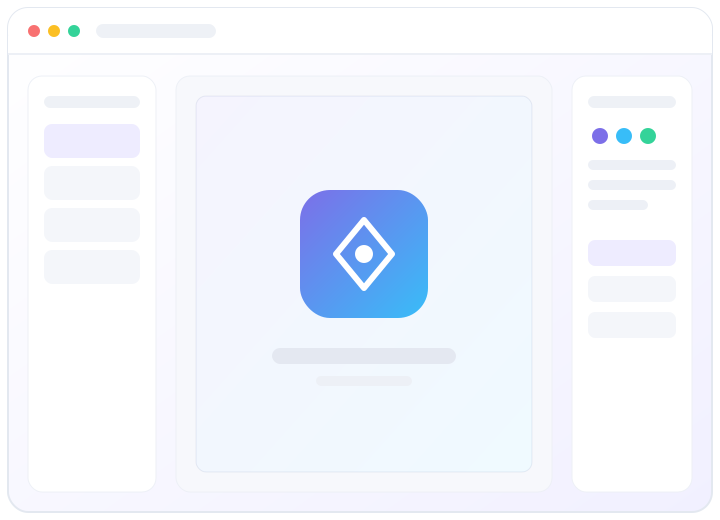
The interface stays out of your way: a layer panel on the left, the canvas in the middle and a tabbed control panel on the right. Start from a preset or a blank canvas, then add text, shapes and icons. Use the colour tab to build a range of shades from a single base colour, or pick a colour straight from your design with the eyedropper. When you are happy, switch to the export tab and download the exact size and format you need.
Free forever, no sign-up and no uploads. Open the designer and make something that feels like you.